Race Format and Objective
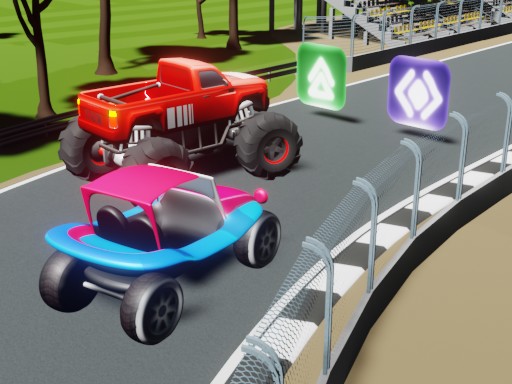
Every race in Blur Speedway Arcade Racing follows the same clear goal: cross the finish line before everyone else. You compete against computer-controlled opponents or other players in short sessions designed for breaks or casual play. The game runs in a browser, so there is no installation barrier. [IMG_1]
Controls and Track Navigation
Steering is handled with keyboard arrow keys or on-screen controls. You move left and right to avoid obstacles and stay on the fastest line. Because tracks have fixed layouts, learning where hazards sit and how corners flow gives a repeatable advantage. Simple inputs keep the game accessible to younger players, but clean lines still require practice.
Power-Ups and Strategic Timing
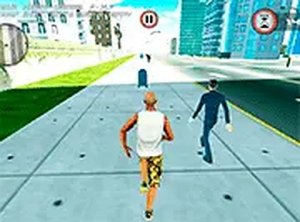
Scattered power-up icons provide temporary speed boosts or let you drop traps behind you. These items turn a straightforward sprint into a decision-making exercise. A boost used on a straightaway extends your lead; a trap placed in a tight corner forces rivals to slow down or collide. Mastering when to collect, hold, or deploy an item often decides the race more than raw acceleration. [IMG_2]
Modes, Difficulty, and Audience
Multiple game modes support both solo and multiplayer play, and AI difficulty can be adjusted to match your comfort level. The content stays family-friendly with no violent themes, making it suitable for all ages. Quick race sessions fit short breaks, while longer play periods let you refine track knowledge and item timing. The main limitation is that the core loop stays consistent across modes, so players seeking deep progression may find the scope narrow.
Compatibility
This H5 game runs smoothly on:
• Desktop computers (Windows / Mac) • Mobile phones (iPhone / Android)
• Tablets (iPad / Android)
🌐 Best experienced with Chrome, Safari, or Edge





Editorial Notes