Navigating the Solar System
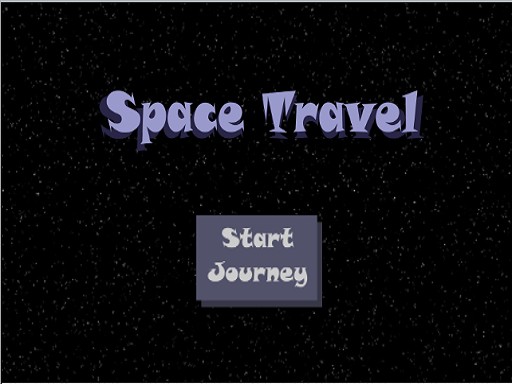
Space Explorer Arcade Journey puts players at the controls of a spacecraft traveling from planet to planet. The goal is straightforward: steer through space, dodge obstacles such as asteroids, and reach new destinations. Movement is handled with a mouse or keyboard, and a single action button lets you respond to hazards. The layout stays readable, so the challenge comes from timing and positioning rather than from deciphering a cluttered screen.
Power-Ups and Progression
As you travel, power-ups appear that boost your ship's shields and tools. Collecting them is optional but useful, because the game grows harder the deeper you go into space. Shields give you more room for error when asteroid fields tighten, while tools expand what you can do during a run. This creates a simple risk-and-reward decision: chase a power-up now, or play it safe and keep your current shield strength.
Learning Through Play
Between obstacles, the game surfaces short facts about planets and moons. One example given in the source material is that Saturn's rings are made of ice and rock. These facts are not a separate quiz mode; they appear during travel, so reading them becomes part of the pacing. For parents and educators, that means the game delivers space trivia without interrupting the arcade action.
Difficulty and Audience
The difficulty curve rises as you move farther from your starting point, but the rules stay minimal. There are no complex systems to learn, which keeps the game accessible for younger players and for adults who want a light arcade experience. The content is deliberately free of violent or frightening material, so it works as a shared activity. Controls support both keyboard and mouse, and players can switch between them to find a comfortable fit.
Compatibility
✅ Works on PC & Mobile | Recommended: Chrome / Safari / Edge









Editorial Notes