Duel Format and Win Condition
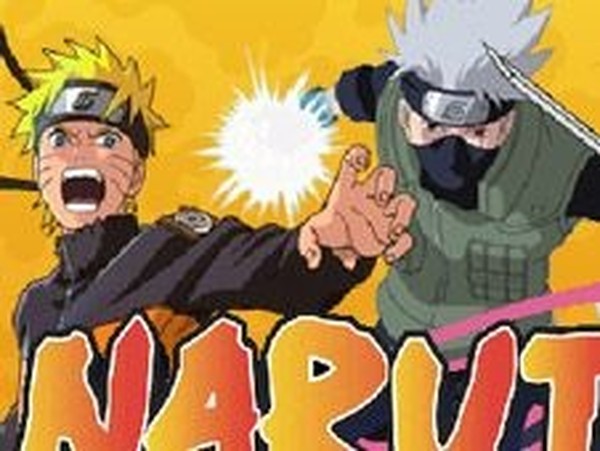
Ninja Battle Arena is a one-on-one fighting game where each match ends when a player's energy bar is fully depleted. You can face the computer in single-player or challenge a friend on the same computer in two-player mode. The core loop is straightforward: land more hits than your rival while avoiding incoming attacks. [IMG_1]
Controls and Combat Options
Player 1 uses WASD to move, J to attack, K to jump, U for a skill, and I to roll. Player 2 uses the arrow keys for movement, 1 to attack, 2 to jump, 4 for a skill, and 5 to roll. These bindings can be changed from the main menu, which helps when two players share a keyboard. Rolling and dodging are separate actions from jumping, giving you distinct ways to evade attacks and reposition.
Energy Management and Skills
Attacks and successful hits build your energy bar. Once charged, you can spend that energy on a special skill that deals extra damage. Deciding when to use the skill matters more than simply filling the bar, because a missed skill leaves you vulnerable. Combos chain basic attacks together, but timing and spacing determine whether they connect. [IMG_2]
Who This Suits
The game targets fans of anime-style combat and local multiplayer. Its Flash-based design keeps matches short and the control scheme simple enough for newcomers, while dodge timing and energy decisions add depth for players who stick with it. Family-friendly presentation means it works for younger players or mixed-skill groups sharing one screen.
Compatibility
✅ Works on PC & Mobile | Recommended: Chrome / Safari / Edge


Editorial Notes