Coloring Without Constraints
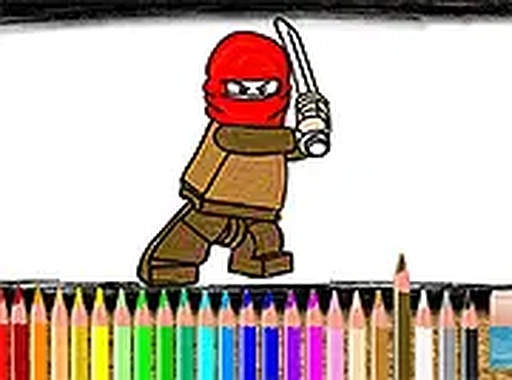
Pixel Palette Coloring Studio is built around a simple, pressure-free activity: adding color to pre-drawn block-style scenes. There are no timers, scores, or correct answers. Instead, you browse a set of themed images featuring block-like characters and settings, then choose colors for different areas. The goal is to relax and express personal creativity at your own pace.
How the Coloring Process Works
Each scene appears as a black-and-white outline. A color palette on the screen lets you click or tap on sections to fill them with your chosen hue. The controls are straightforward, with no complex menus or instructions. You can work at your own speed, undo any mistakes, and save your finished artwork to your device or share it with friends. Full-screen mode is available for a more focused experience, and the game runs smoothly on both mobile devices and desktop computers.
Accessibility and Design Approach
This coloring activity is built around ease of access and stress-free play. It runs entirely in a web browser, so there is no need to download or install anything. Compatibility extends to mobile phones, tablets, and desktop computers, ensuring that players can enjoy it on whatever device they have. The block-style art design gives the images a toy-like, familiar feel that invites experimentation. The interface remains clean and intuitive, allowing players to concentrate on the creative process without distractions.
Getting the Most from Your Session
Take your time exploring different color combinations to create unique artwork. Since there is no time limit, feel free to experiment with contrasting shades to make your image stand out. If you make a mistake, simply undo or recolor that area. Save your work periodically to avoid losing progress. Sharing your finished pieces with friends or online communities can be a fun way to connect with others. Most importantly, relax and enjoy the creative process without worrying about perfection.
Compatibility
This H5 game runs smoothly on:
• Desktop computers (Windows / Mac) • Mobile phones (iPhone / Android)
• Tablets (iPad / Android)
🌐 Best experienced with Chrome, Safari, or Edge










Editorial Notes